# 10 helpful Visual Studio code Extensions

Photo by
[Krishna Pandey](https://unsplash.com/@krishna2803?utm_source=Hashnode&utm_medium=referral) on [Unsplash](https://unsplash.com/?utm_source=Hashnode&utm_medium=referral)
10 helpful Visual Studio code Extensions
========================================
10 Helpful extensions
---------------------
[
](https://hashnode.com/@Programing-School)
[Programming-School](https://hashnode.com/@Programing-School)
·[Jan 2, 2022](https://programming-school.hashnode.dev/10-helpful-visual-studio-code-extensions)·3 min read
Subscribe to our newsletter and never miss any upcoming articles
Subscribe
Listen to this article
Your browser does not support the audio element.SPEED1X
### Table of contents
* [Hello](https://programming-school.hashnode.dev/#heading-hello)
* [you should have visual studio code install in your computer](https://programming-school.hashnode.dev/#heading-you-should-have-visual-studio-code-install-in-your-computer)
* [if visual studio code not installed read this article and then read article ❤❤😎](https://programming-school.hashnode.dev/#heading-if-visual-studio-code-not-installed-read-this-articlehttpsprograming-schoolhashnodedevhow-to-install-visual-studio-code-and-write-python-html-css-javascript-with-it-and-then-read-article)
* [Use Pola Code in windows](https://programming-school.hashnode.dev/#heading-use-pola-code-in-windows)
Hello
=====
you should have visual studio code install in your computer
-----------------------------------------------------------
### if visual studio code not installed read this [article](https://programing-school.hashnode.dev/how-to-install-visual-studio-code-and-write-python-html-css-javascript-with-it) and then read article ❤❤😎
1- [Auto Rename Tag](https://marketplace.visualstudio.com/items?itemName=formulahendry.auto-rename-tag)
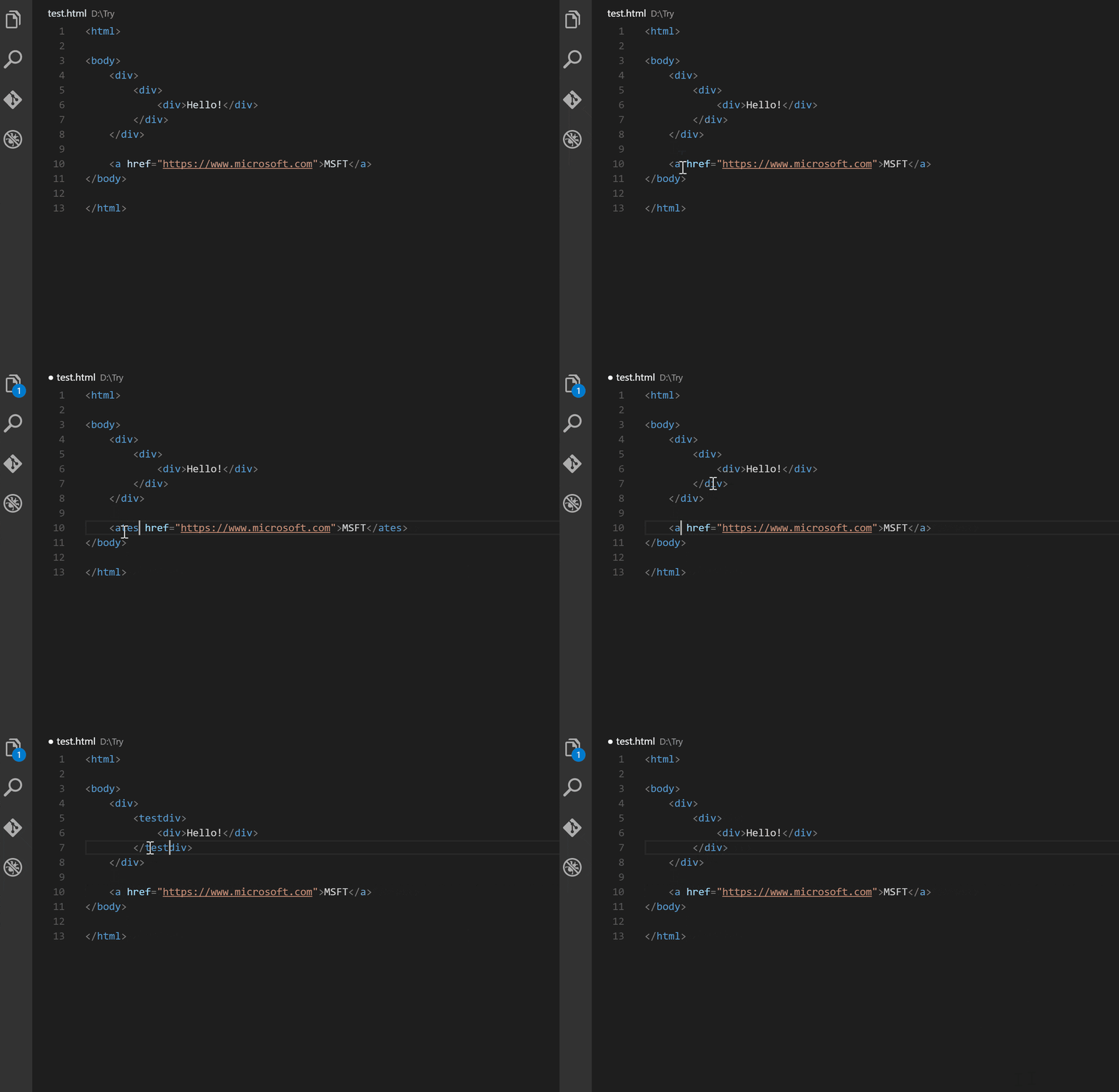
The extension when you rename tag have open and close tags the two tags rename
Example:
if you want to rename to icon
first you rename the first tag
the second will rename automatically !! to
2- [Prettier - Code formatter](https://marketplace.visualstudio.com/items?itemName=esbenp.prettier-vscode)
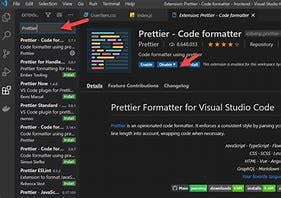
The extension can format html css js code !!!
3- [One Dark Pro](https://marketplace.visualstudio.com/items?itemName=zhuangtongfa.Material-theme)
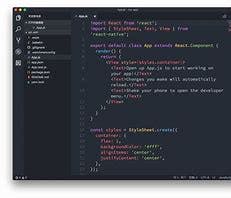
The extension is a beautiful Theme for your interface in visual Studio code
4- [Live Server](https://marketplace.visualstudio.com/items?itemName=ritwickdey.LiveServer)
Live Server is the best server to refresh the code automatically when you had edited your code he refresh your page
The extension is for Html
5- [Live SASS Compiler](https://marketplace.visualstudio.com/items?itemName=ritwickdey.live-sass)
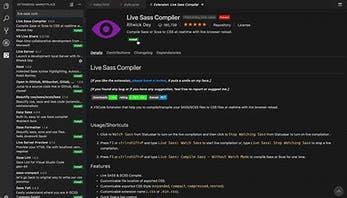
If you write code with Sass instead of css you should install this extension
The extension do a live compiler to convert sass to CSS
Steps:
1. Create A file with in end .sass
2. In the Status bar word(Watch Sass) click on it
3. Visual Studio code automatically create an CSS file and do a live compiler
> Note 🗒 : if you close the compiler the code you write it not write in the CSS File and if you go to the sass file and open it and open the compiler from the status bar in the bottom he do a live compiler and write your sass in the css file !!!
6- [Path Intellisense](https://marketplace.visualstudio.com/items?itemName=christian-kohler.path-intellisense)
Path Intellisense help you when you want to find a folder path in your code editor

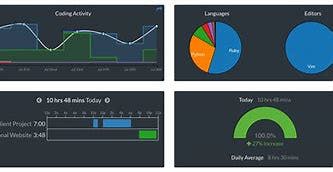
7- [WakaTime](https://wakatime.com/)
WakaTime is an extension that read your time on Visual Studio code
This extension is allow for all code editors
sign in and the website will show for you the editors that the extension allow for ....
1. [PolaCode](https://marketplace.visualstudio.com/items?itemName=pnp.polacode)
PolaCode is an extension that make A pretty Screenshot for code

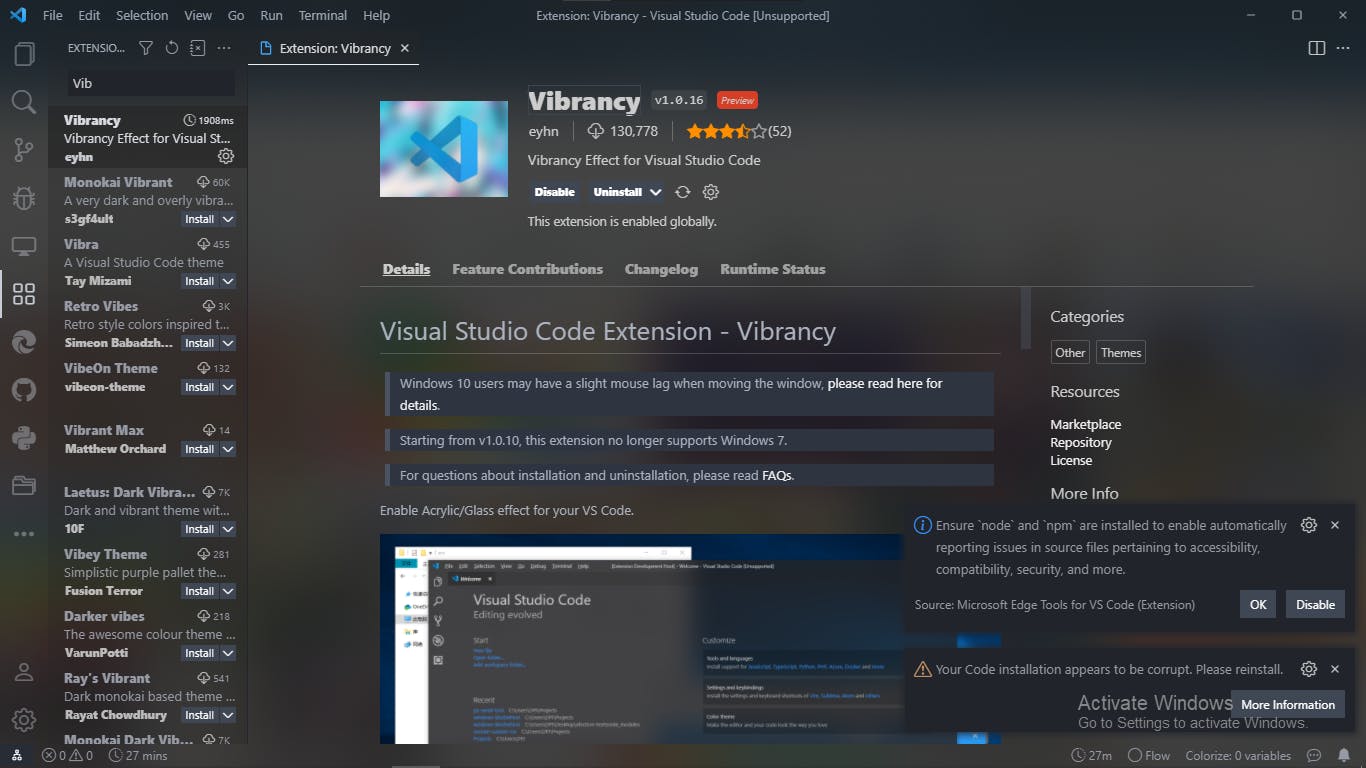
1. [Vibrancy](https://marketplace.visualstudio.com/items?itemName=eyhn.vscode-vibrancy)
Vibrancy is an extension for make a transparent effect
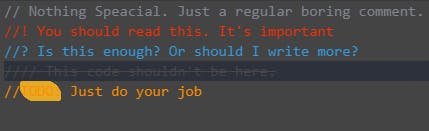
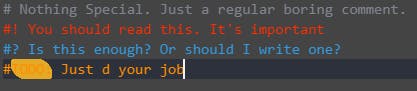
1. Better Comments
C#, F#, C/C++, and JavaScript:
Python:
Html/XAML:

Multiline delimited comments (Works only in C#).:

Single-line delimited comments (Works in C#, F#, C/C++, and JavaScript):

Use Pola Code in windows
========================
1. status bar
Go to Status Bar in the top and hover (View) Tab and Select (Open view...) then click on it
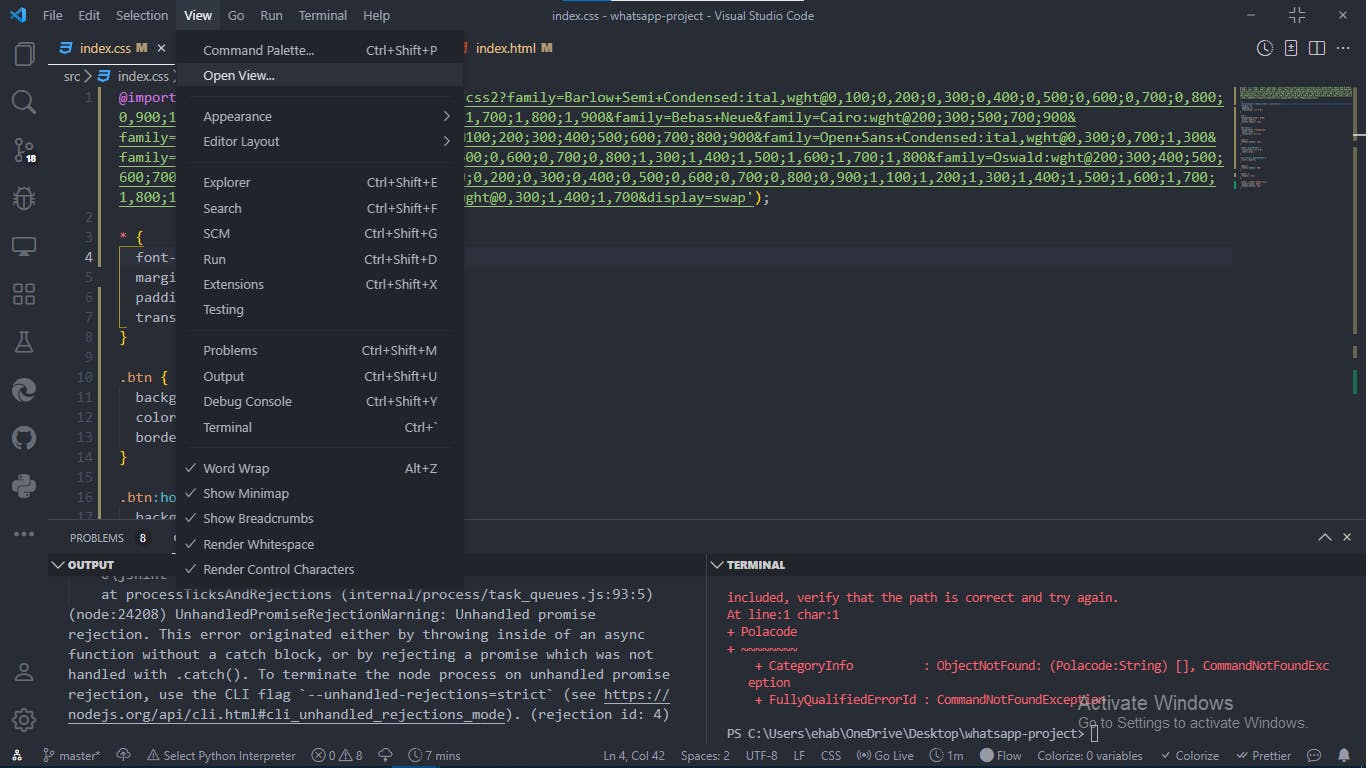
Then Clear this:
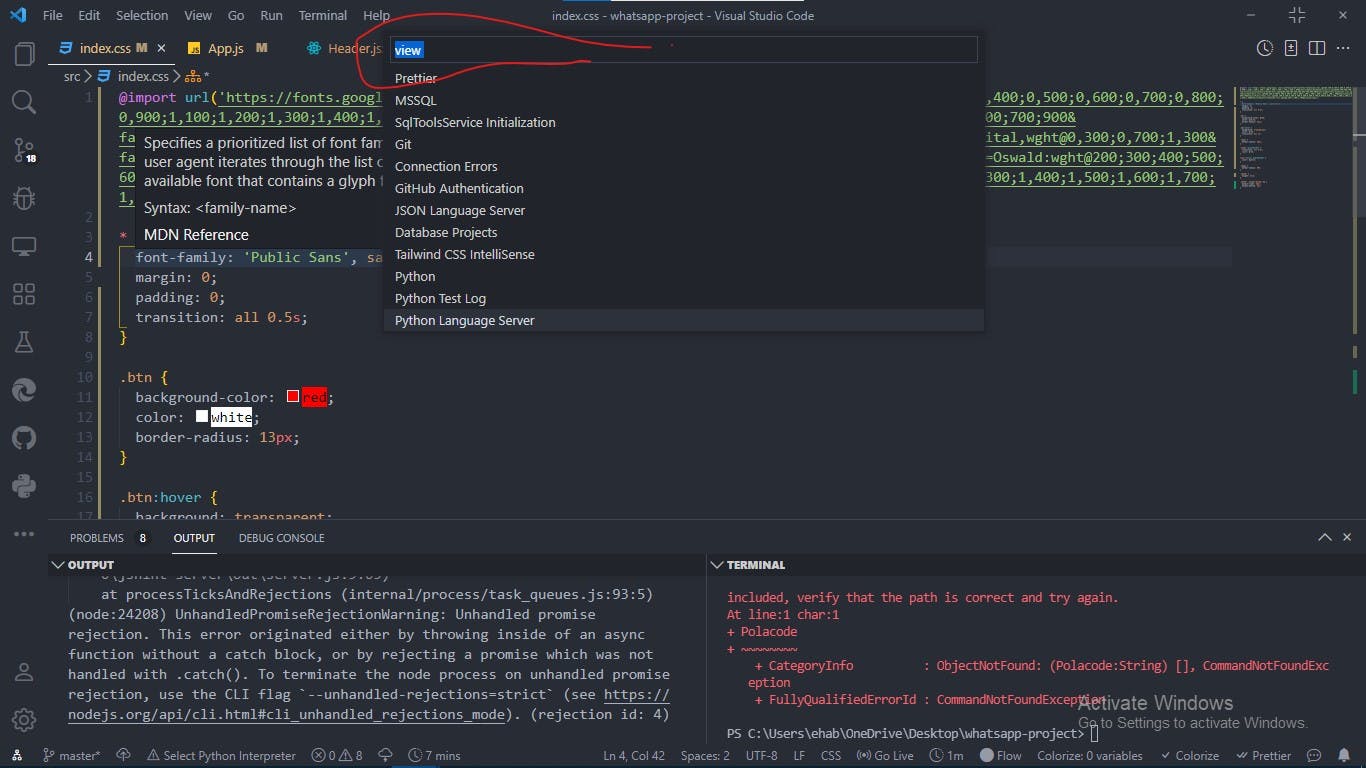
Then write:
>polacode
then select the first one and there is A New tab in the right side called PolaCode 📸 Follow the instructions in this tab:
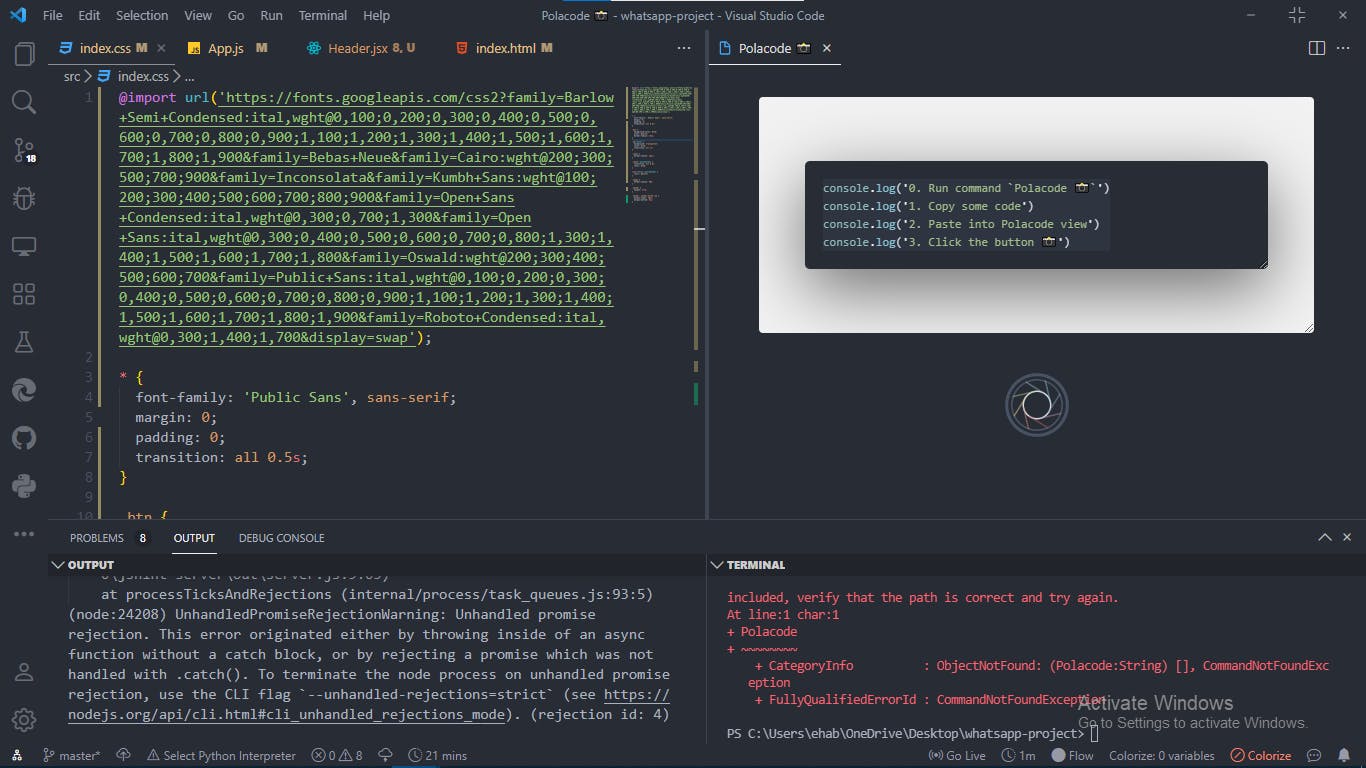
Thanks for reading
Hey, my name is Mohamed Ehab and if you want to join us go to my links:
[Twitter](https://twitter.com/Program39300266)
[Instagram](https://www.instagram.com/mohamedehab2463/)
[Hashnode](https://hashnode.com/@Programing123)
[Youtube](http://www.youtube.com/channel/UC1YTVmV31RZV2oie1kKpJkw)2.
1
1
[](https://programming-school.hashnode.dev/#write-comment)
[](https://twitter.com/share?url=https%3A%2F%2Fprogramming-school.hashnode.dev%2F10-helpful-visual-studio-code-extensions&text=10%20helpful%20Visual%20Studio%20code%20Extensions%0D%0A%7B%20by%20%40Programing_Pro%20%7D%20from%20%40hashnode%0D%0A)
Share this[](https://twitter.com/share?url=https%3A%2F%2Fprogramming-school.hashnode.dev%2F10-helpful-visual-studio-code-extensions&text=%20%40Programing-School)[](http://www.reddit.com/submit?title=10%20helpful%20Visual%20Studio%20code%20Extensions&selftext=true&text=%20https%3A%2F%2Fprogramming-school.hashnode.dev%2F10-helpful-visual-studio-code-extensions)